A YouTube Video Transcript for the Next Deliverable
Treat the transcript as production material: a place to retrieve exact language, mark useful segments, and prepare text-led outputs from a recording.
- Search for names and claims
- Verify quotes with their timestamps
- Separate key points from supporting examples
- Prepare a concise source summary
- Keep the original delivery in reach
- Find strong moments by phrase
- Outline a long upload by topic
- Pull language for show notes
- Create a visual recap
- Prepare translated reference copy
- Inspect speech as readable text
- Correct proper nouns and terminology
- Review speaker changes
- Check relevant non-speech events
- Adapt the result to required standards
Generate, Inspect, and Use the Transcript
The shortest path starts with a link, but reliable publishing still includes a deliberate review of important language.
YouTube transcript workflow | Purpose | |
|---|---|---|
| Paste the video URL | Link input | Reach the source directly |
| Choose transcription detail | Configurable draft | Match the use case |
| Search the result | Keyword retrieval | Reduce timeline scanning |
| Review uncertain text | Source comparison | Improve accuracy |
| Shape the structure | Connected analysis | Prepare a handoff |
| Create another format | Reusable transcript | Serve another audience |
More Than a YouTube Transcript Extractor
Readable text is the foundation; search, timing, organization, and follow-up formats are what make it practical in a real workflow.
URL
Paste one video link or prepare a group of related sources with multi-link and playlist workflows.
Text
Use the YouTube Video Transcript Generator to create copy you can inspect more quickly than captions on playback.
Time
Move from a transcript line to its place in the recording before quoting, correcting, or clipping it.
Output
Turn the source into chapters, summaries, translations, study aids, topic maps, and shareable visual notes.
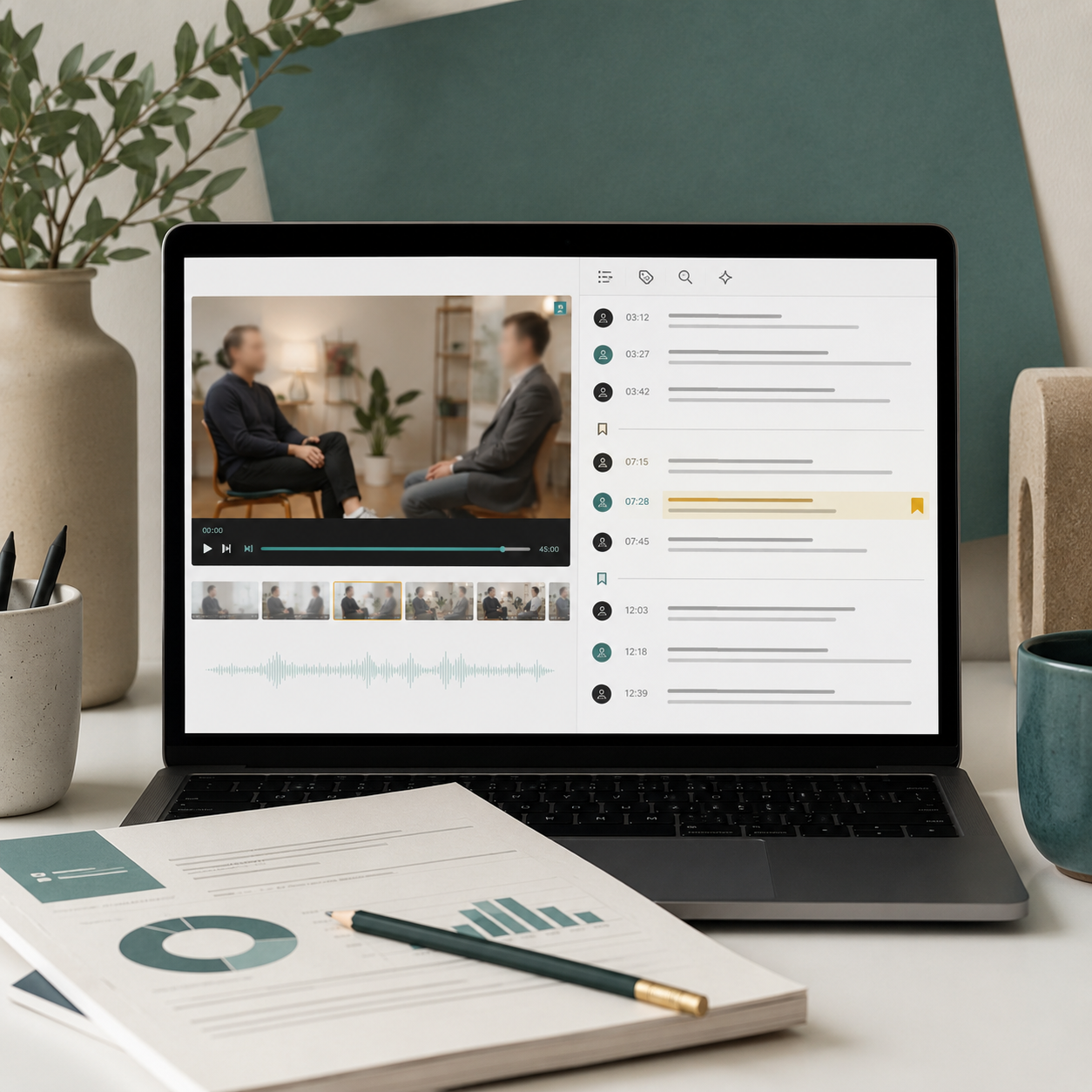
“When we reference a creator interview, I run it through the YouTube Video Transcript Generator and flag every statement we may quote. The editor gets the wording, timestamp, and surrounding topic in one handoff.”
Sophie Bennett
Features writer
“The YouTube Video Transcript Generator shows me where a tutorial changes tasks, so chapter planning takes minutes instead of another full viewing. I still check technical terms against the audio before we publish the final description.”
Andre Mills
Channel producer
YouTube Video Transcript Generator FAQ
Details for turning online video into reviewed, useful text rather than an unchecked automatic draft.

Turn a YouTube Link into Working Text
Generate a searchable transcript, inspect the important lines, and prepare the recording for the next editorial, learning, or accessibility task.