
Video To Text Generator for Files You Control
Bring the recording into a dedicated upload workflow and produce a text record that teams can search, correct, and use beyond playback.
File
Choose a supported local recording such as a meeting export, interview, lesson, webinar, demonstration, or event video.
Draft
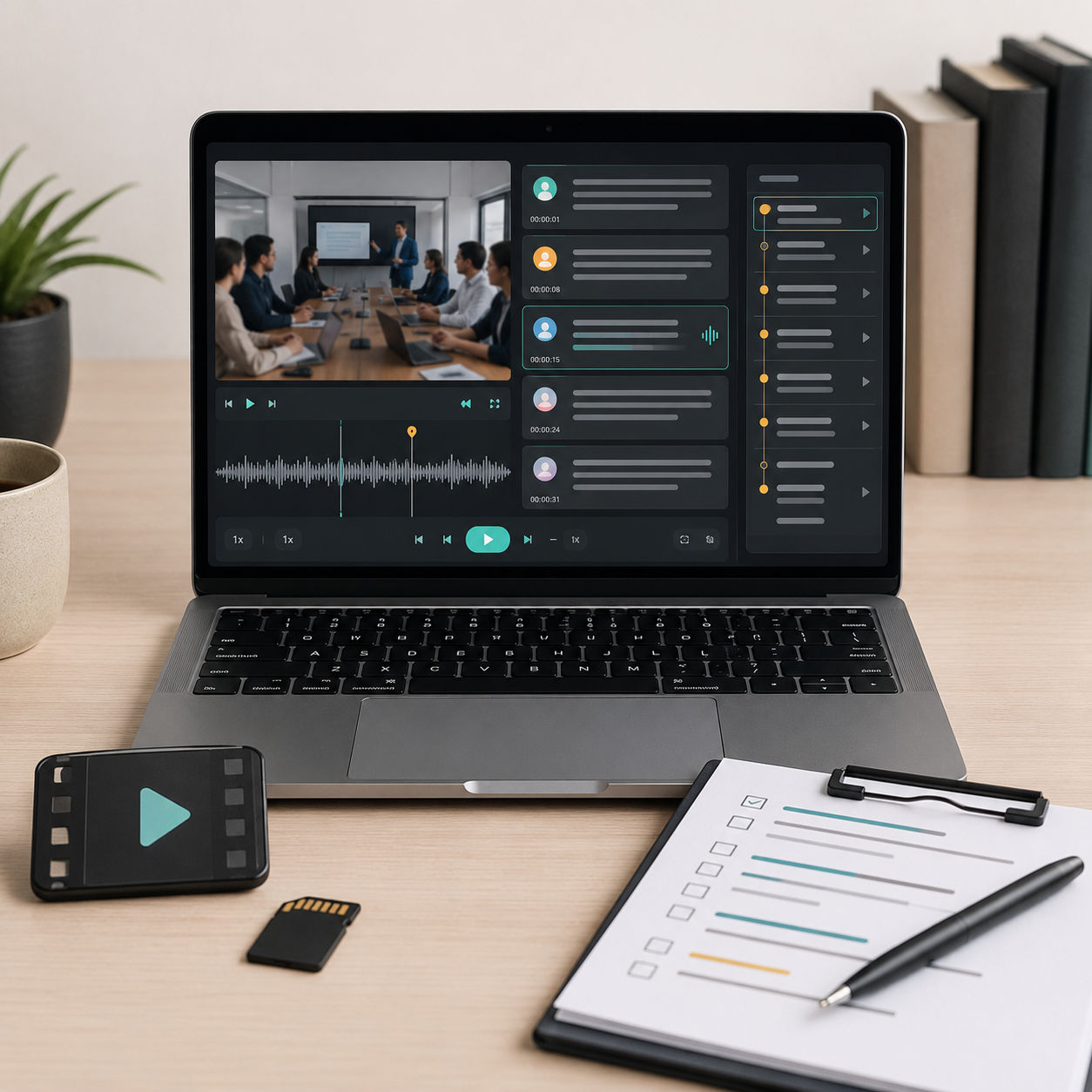
Let the Video To Text Generator organize speech into passages before a reviewer corrects important details.
Index
Locate an issue in text and return to its source moment for visual, vocal, and conversational context.
Record
Prepare briefs, chapters, caption drafts, research notes, learning materials, and translations from one transcription.
Where Video to Text Saves Review Time
A searchable record is most valuable when several people need the information but not everyone needs to watch the entire source.
- Search action items and owners
- Review the language around a decision
- Summarize outcomes for absent teammates
- Create a durable project reference
- Check disputed wording against timing
- Find usable statements by keyword
- Mark topic changes for chapters
- Draft descriptions from actual content
- Prepare a caption working copy
- Translate reference text for another market
Transcribe Video to Text, Then Review What Matters
Automation reduces the first-draft workload; human review protects the names, facts, and meaning that the final deliverable depends on.
VideoTranscript workflow | Unchecked output | |
|---|---|---|
| Select transcription settings | Purpose-led setup | Default for every source |
| Inspect proper nouns | Source checked | Assumed correct |
| Verify figures and claims | Timed verification | Text only |
| Review speaker turns | Speaker-aware review | Ambiguous attribution |
| Adapt for accessibility | Editable foundation | Automatic draft published |
| Prepare the handoff | Context included | Transcript without guidance |
A Recording Becomes a Shared Reference
Different roles can use the same source text without losing the option to verify a detail in the footage.
“Our implementation calls include configuration decisions that surface weeks later. The Video To Text Generator gives us a searchable project record, and I can check the exact exchange before assigning a change request.”
Mei Lawson
Solutions consultant
“I scan interview transcripts for clean statements before opening the raw media. That makes the first edit more intentional, while timestamps still let me judge delivery, pauses, and visual context in the actual footage.”
Gabriel Stone
Documentary editor
“Recorded training changes often, so our team needs text that can be corrected and compared. We use the transcript as a review layer, not a final accessible deliverable, and document every important correction.”
Alicia Reed
Accessibility specialist
Video To Text Generator FAQ
Key considerations for uploads, accuracy, speakers, cleanup, captions, and downstream use.
General