Video Transcript - Read, Search, and Reuse Every Recording
Bring in a YouTube link, video file, or audio recording and create timed text for editing, research, reporting, translation, and accessible content workflows.


Put every video transcript to work
Move beyond a wall of captions with practical tools for finding evidence, preparing deliverables, and sharing what a recording actually says.
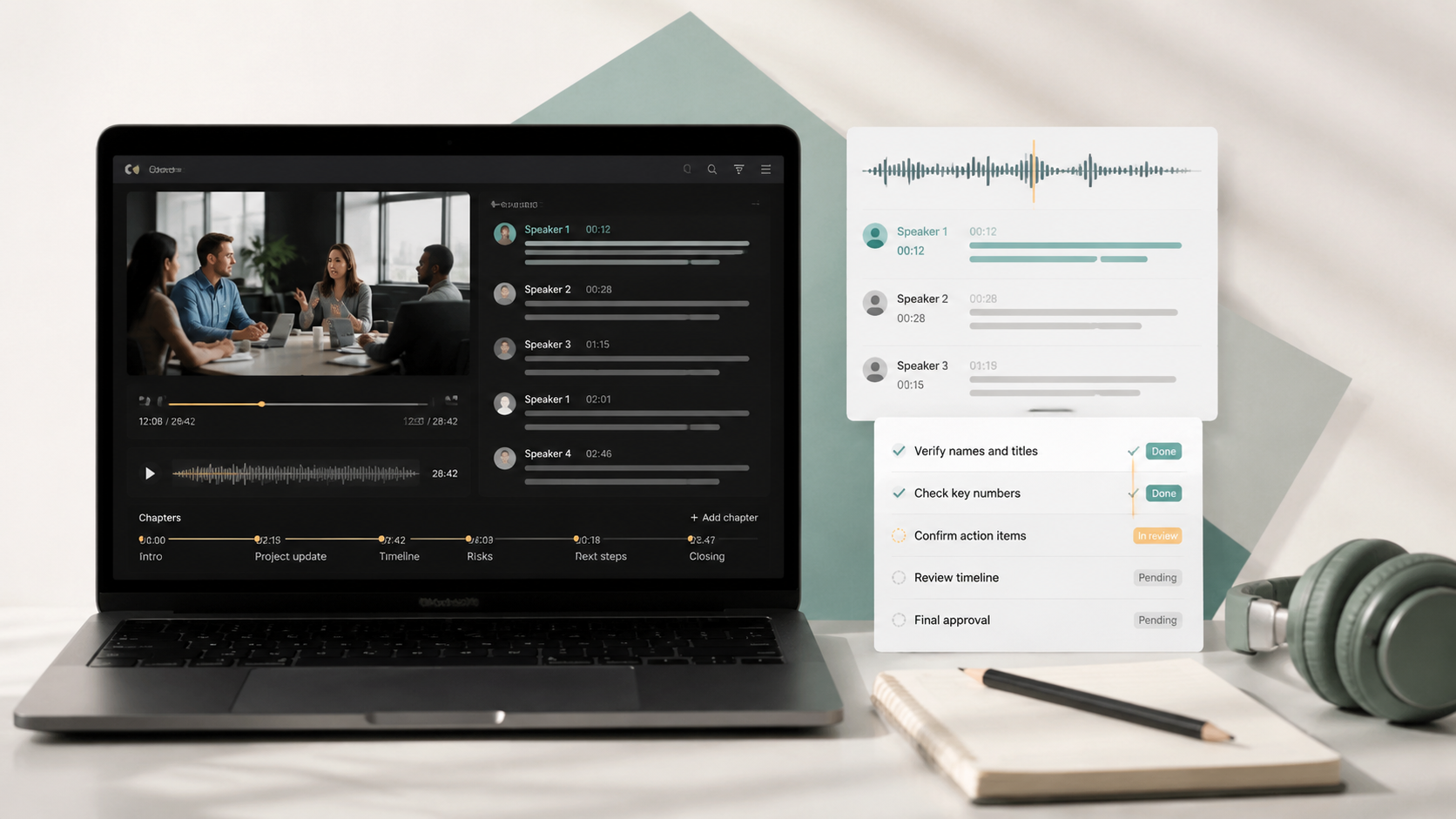
Topic chapters
Break long footage into clear sections that editors, clients, and viewers can navigate by subject.
Executive notes
Pull outcomes, arguments, and next steps from a video transcript for a fast team handoff.
Language version
Prepare readable text for international review while retaining the original source as a reference.
Shareable outline
Arrange key statements and figures into a compact visual for reports, updates, and social content.
Conversation map
Trace themes, supporting points, and related ideas across a complex interview or panel discussion.
Review questions
Check whether a team or class understood the recording with questions grounded in its spoken content.
Recall cards
Save terminology, claims, and examples from the video transcript as short prompts for later review.
From footage to an editable video transcript
Use one direct path for online videos, local media, and the text-based work that follows transcription.
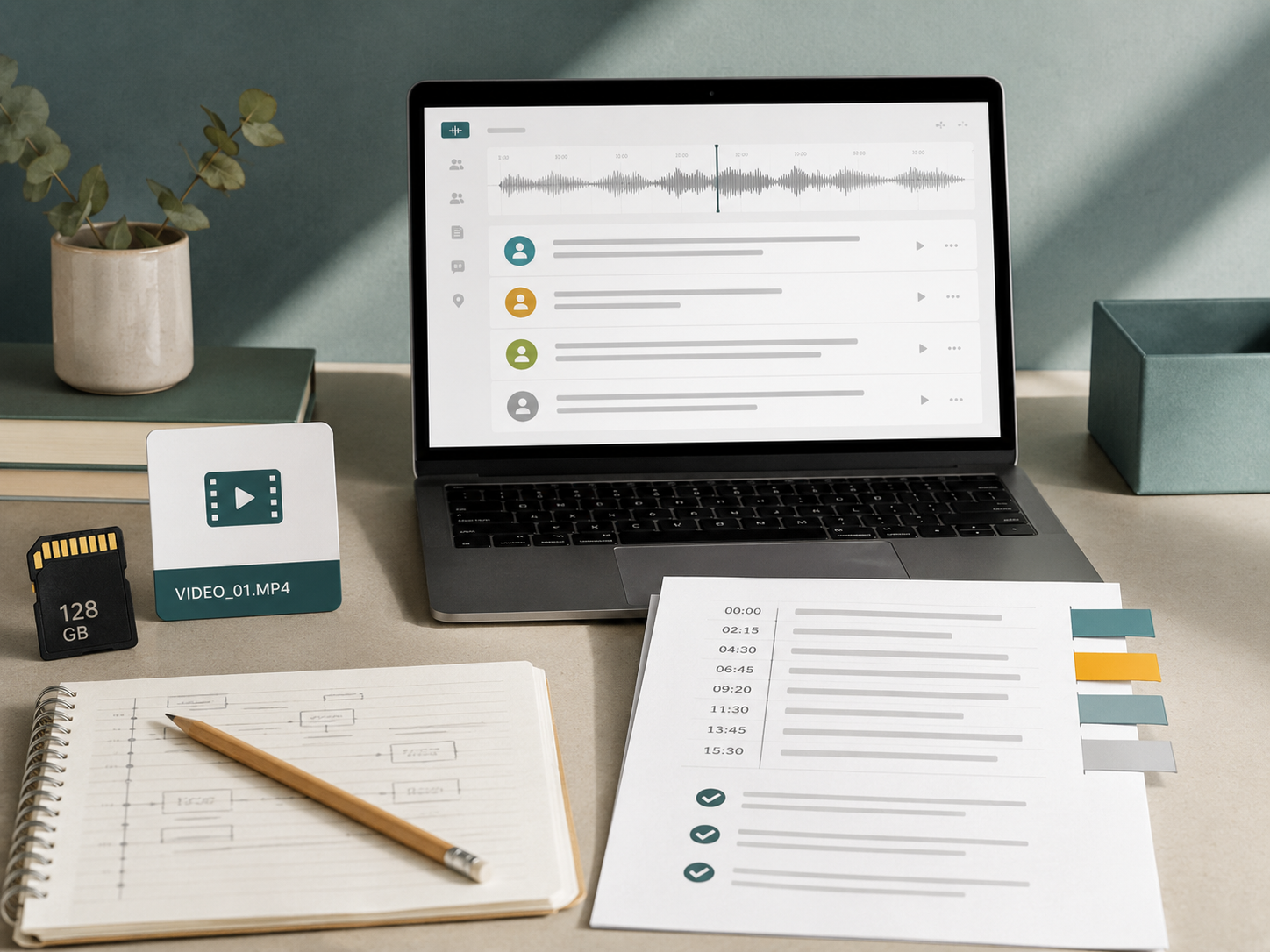
Choose the recording
Open a YouTube URL workflow or select a video or audio file that contains the speech you need.
Review the transcript
Read timed passages, search for a phrase, and jump back to the source when wording needs confirmation.
Prepare the output
Use the video transcript to build chapters, summaries, translated text, study materials, or a visual brief.
Video transcript workflows in practice
“After every client call, I search the video transcript for requirements and unresolved questions. It gives our delivery team a concrete record instead of a vague recap written from memory.”
Jordan Ellis
Implementation lead
“The chapter breakdown helps me find clean edit points before I open the footage in my editor. I also use the transcript to draft descriptions and pull short, accurate clips for campaign posts.”
Nina Alvarez
Video marketer
“Our accessibility review starts with the generated text, then we verify proper nouns and technical language against the timestamps. That process is much faster than typing an entire training recording manually.”
Caleb Wright
Learning operations manager
Video transcript answers
Make the recording searchable
Generate a video transcript and move directly from spoken detail to an organized, reusable text record.
Transcribe a Video